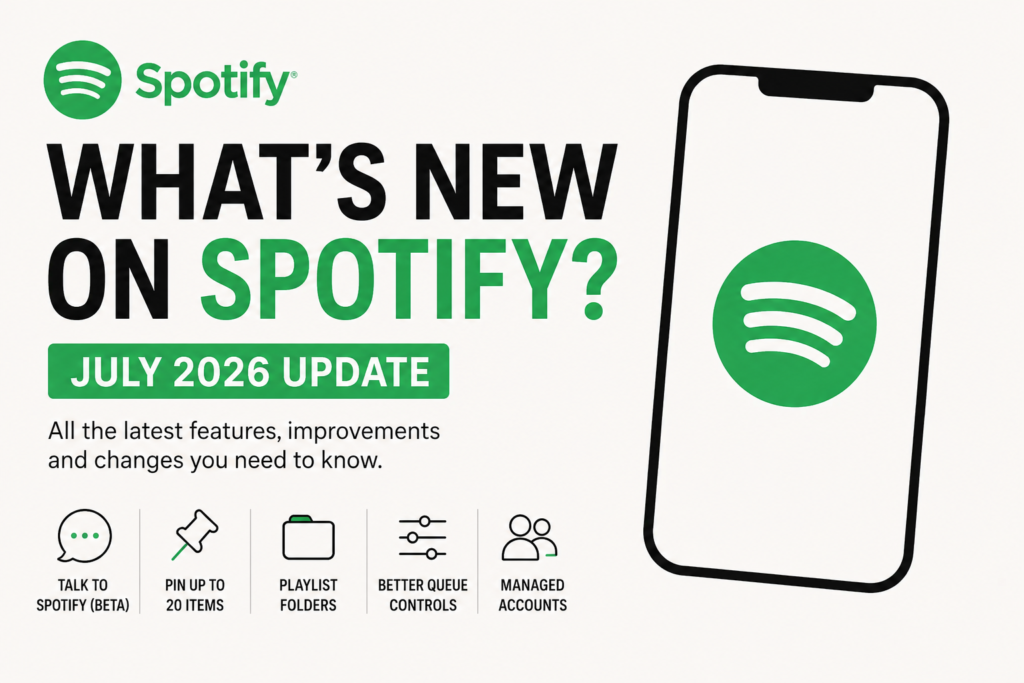
Spotify Update July 2026: Every New Feature Explained
The Spotify Update July 2026 introduces several new features designed to improve the listening experience. From the new Talk to Spotify AI assistant and enhanced Release Radar recommendations to playlist folders on mobile, better queue controls, and the ability to pin up to 20 items in your library, this update brings some of the platform’s biggest improvements of the year. Here’s a complete breakdown of every new Spotify feature and change released in 2026.
Spotify Update: July 2026
Talk to Spotify (Beta)
Released: July 14, 2026
Spotify has launched a new conversational AI experience that lets users control the app using natural language.
Instead of tapping through menus, users can simply speak or type requests such as:
“Play upbeat indie rock.”
“Find relaxing jazz for studying.”
“Play songs like Turnstile.”
“Mix punk with shoegaze.”
The AI understands mood, activity, genre, artist, and listening history to build personalized listening sessions.
Spotify says users can still browse the app normally, but the assistant offers a faster way to discover music and navigate the platform. The feature is currently available as a beta and is rolling out gradually.
Release Radar Gets More Personal
Released: July 2026
Spotify has upgraded its weekly Release Radar playlist with new personalization controls.
Users can now fine-tune the playlist using preference filters such as:
Discover New Artists
Editors’ Picks
Genre-specific recommendations
Personalized artist mixes
Spotify has also updated the recommendation algorithm and refreshed the playlist’s visual design with new cover art and headers.
Pin Up to 20 Items in Your Library
Released: July 8, 2026
One of Spotify’s most requested features has finally arrived.
Previously, users could pin only four playlists, albums, or artists inside their library.
The limit has now increased to 20.
You can pin:
Albums
Artists
Playlists
Podcasts
Audiobooks
The feature is available globally for both Free and Premium users.
Spotify Update: May 2026
Playlist Folders Arrive on Mobile
Playlist folders were previously limited to desktop.
Spotify now allows users to organize playlists directly from the mobile app.
Examples include:
Gym
Road Trips
Sleep
Work
Folders can be rearranged and managed without opening the desktop application.
Bulk Playlist Editing
Spotify has added bulk editing tools that let users select multiple tracks at once.
You can now:
Move several songs together
Delete multiple tracks
Reorder playlists faster
Premium subscribers also regain the ability to manage multiple songs simultaneously within the play queue.
Better Queue Controls
Spotify redesigned the playback queue.
Users have more control over:
What’s playing next
Upcoming songs
Queue management
Playback organization
This reduces the need to manually reorder tracks one by one.
Managed Accounts for Kids
Spotify introduced Managed Accounts for listeners aged 7–13.
Parents can create supervised accounts where children receive:
Their own Discover Weekly
Their own daylists
Their own Spotify Wrapped
Managed accounts exclude podcasts and audiobooks, disable explicit content by default, and use private, unsearchable profiles with no messaging. This prevents children’s listening from affecting a parent’s recommendations and Wrapped statistics. The rollout has expanded to additional Free-tier markets throughout 2026.
Why These Updates Matter
Spotify’s 2026 updates point to three clear priorities.
First, the company is investing heavily in AI with conversational music discovery.
Second, Spotify is giving users more control over playlists and personal libraries through folders, bulk editing, larger pin limits, and smarter recommendation settings.
Finally, the platform is expanding family-focused features while improving personalization for every type of listener.
These updates make Spotify feel more organized, easier to navigate, and more tailored to individual listening habits than previous versions.